 OSForensics™ makes use of number of advanced hashing algorithms to create a unique, digital fingerprint that can be used to identify a file.
Use OSForensics to confirm that files have not been corrupted or tampered with by comparing hash values, or identify whether an unknown file belongs to a known set of files.
Hash Set Lookup
OSForensics makes use of hash sets to quickly identify known safe or known suspected files to reduce the need for further time-consuming analysis. A hash set consists of a collection of hash values of these files in order to search a storage media for particular files of interest. In particular, files that are known to be safe or trusted can be eliminated from file searches. Hash sets can also be used to identify the presence of malicious, contraband, or incriminating files such as bootleg software, pornography, viruses and evidence files.

Create and Verify Hash Values
Create a unique, digital identifier for a file or disk volume by calculating its hash value using the Verify/Create Hash module in OSForensics. Choose from a number of cryptographic algorithms to create a hash, such as SHA-1, MD5 and SHA-256. Hash values uniquely identify the contents of a file and can be used to discover other files with the same content, regardless of differing file name or file extension.
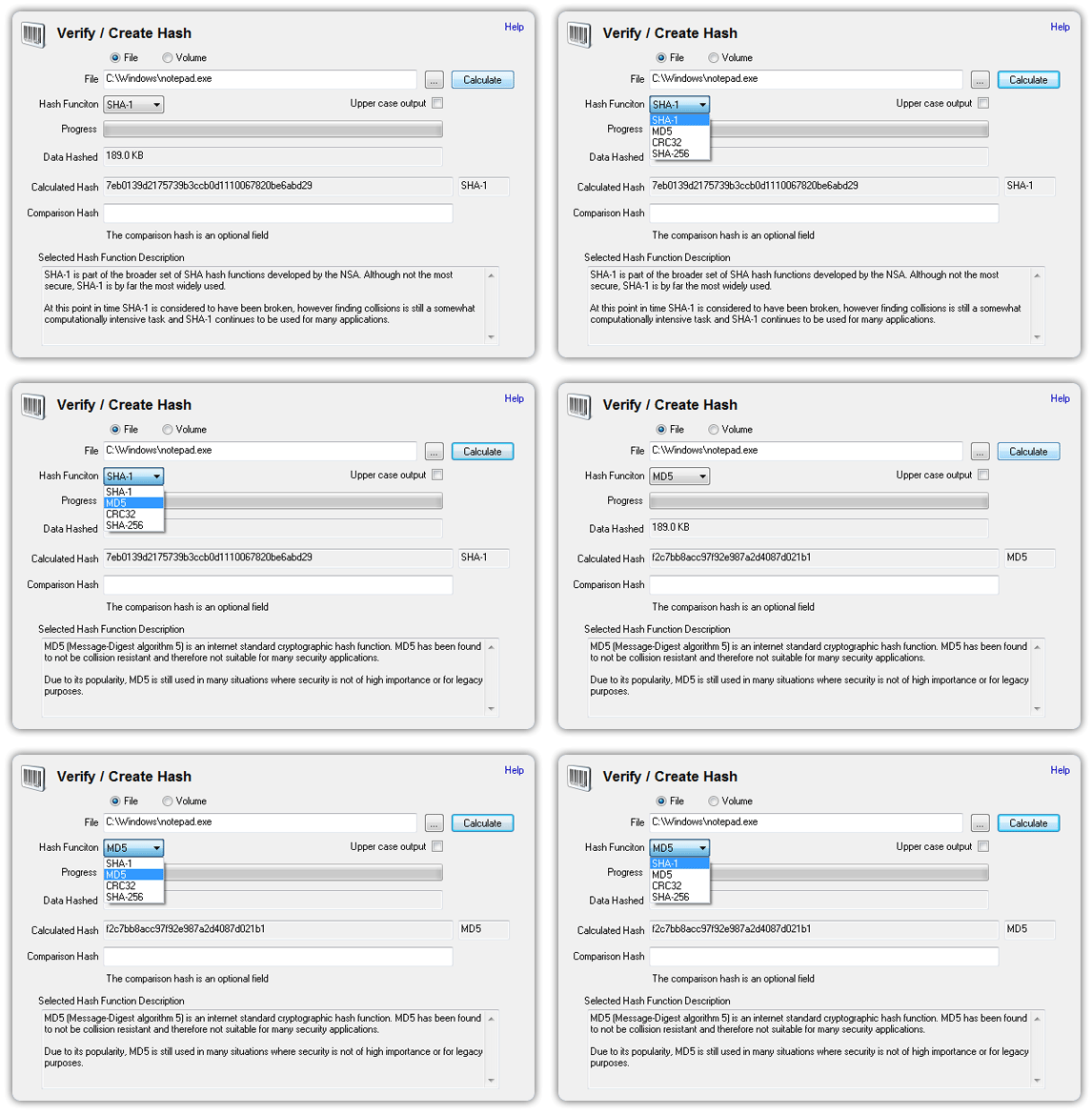
For disk volumes, a single hash value is created which describes the content of files, directory structures as well as unallocated space on the specified volume. Verify that a disk volume has not been corrupted or tampered with by comparing the new hash value with the original and expected hash value, for example, when verifying exact disk duplicates created by the free OSForensics disk cloning tool, OSFClone.


