 OSForensics™ allows the user to perform memory forensics analysis on a live system or a static memory dump. There are 2 types of memory analysis that can be performed:
- Live Analysis
- Static Analysis
When performing 'Live Analysis', the memory details of all processes currently running on the system is displayed in a Task Manager-like view. Unlike non-volatile hard disks which can be analyzed statically, memory contents (RAM) can only be analyzed while the system is live. Furthermore, it is possible that potentially implicating evidence exists only in the system's physical memory, without any traces on the hard disk. This matter is complicated further if the data only exists in memory for a brief period of time.
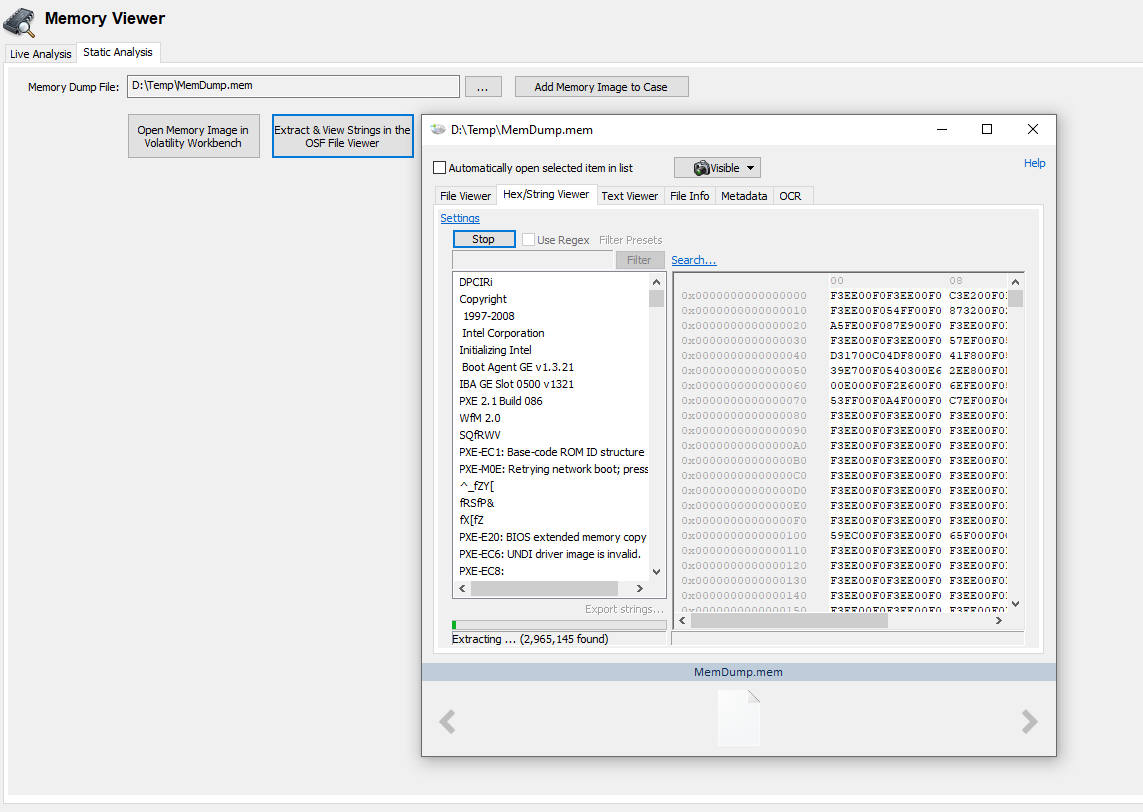
'Static Analysis' allows an investigator to perform an analysis of a memory snapshot dump that had been taken recently. The results of a static analysis can include the following:
- List of processes that were running
- List of suspicious processes
- Installed drivers
- Detected Malware
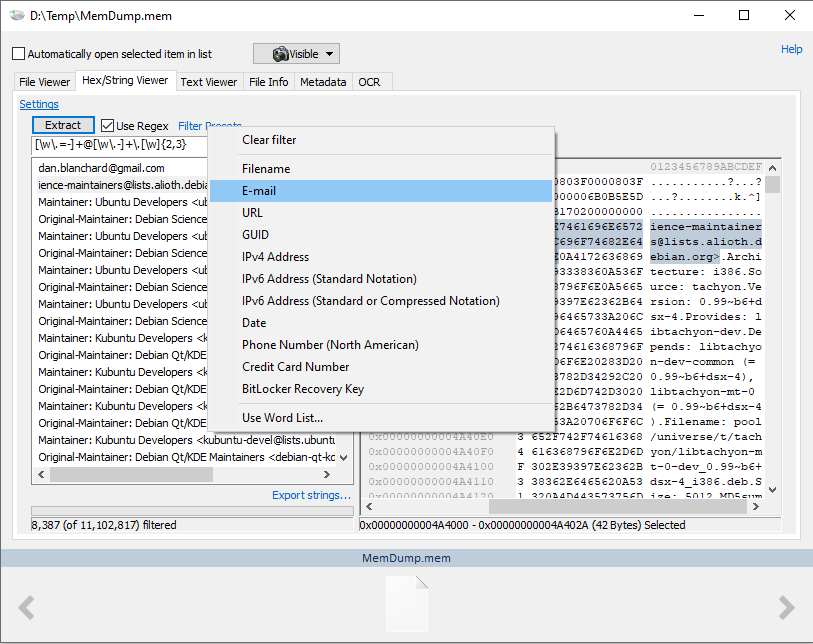
Once a dump has been created it can be used with Volatility Workbench or strings can be extracted from within OSForensics, with pre-set filter lists.