
Verify and Match Files
Using advanced hashing algorithms OSForensics can create a digital identifier that can be used to identify a file.
This identifier can be used both to verify a file has not been changed or to quickly find out if a file is part of a set of known files.
More »
Find Misnamed Files
By looking at the contents of a file OSForensics can identify what kind of file it is and then figure out if the file has an incorrect extension. This can help locate "Dark Data" that the user has tried to conceal.
More »
Create & Compare Drive Signatures
By making a record of the details of the files on a hard drive a comparison can then be done at a later date to find out what has been changed.
More »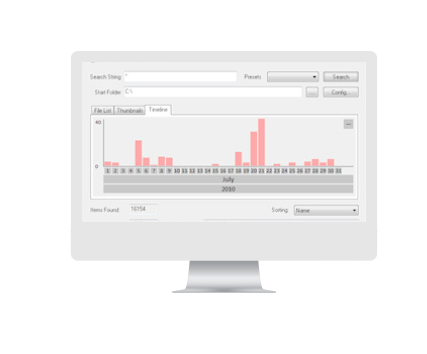
Timeline Viewer
Many of the discovery features of OSF return data that has a time associated with it. Using this timeline viewer you can quickly see when activity has occured.
More »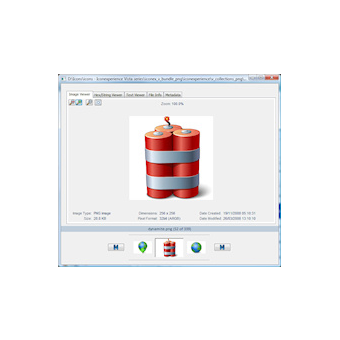
Built-in File Viewer
Once you have found a file you are interested in you can view it multiple ways from within OSF without needing to rely on one or more external applications. Files can be viewed as:
Images (where applicable)
Binary Data
Text Data
Or you can view the file properties and meta data.

Binary String Extraction
Extract text strings from binary data allowing you to find text hidden in otherwise unreadable chunks of information. Do this for both files found on the hard drive or directly from active memory of processes running on the system.
More »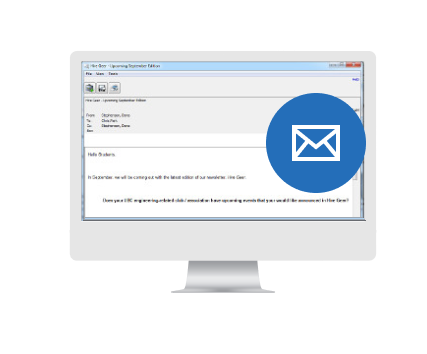
Email Viewer
Open emails from most popular formats directly inside OSForensics, without the need to install multiple mail clients in order to view emails from different sources.
More »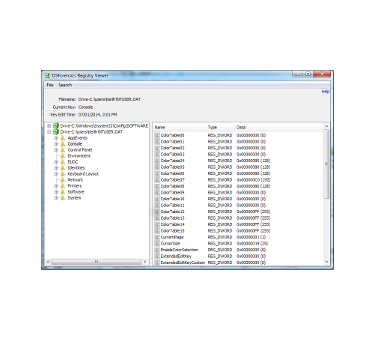
Registry Viewer
Open registry files from within OSF, both offline and live registry files currently locked by Windows, navigate to known key locations and fast searching. As it doesn't use Windows API calls more information can seen, eg the time and date of a key's last edit and registry entries that might be hidden by malicious software.
More »
File System Browser
Explorer-like navigation of supported file systems tailored specifically for forensics analysis. Using OSForensics' own file system implementations, forensics evidence can be quickly identified and recovered.
More »
Raw Disk Viewer
View the raw, sector-by-sector contents of a disk. Data hidden in the sectors outside the file system can be identified and analyzed with this module.
More »
Thumbnail Cache Viewer
Extracts the thumbnail images stored in Windows' thumbnail cache files for viewing. Thumbnail cache files may contain evidence of images that have been deleted on the system.
More »
SQLite Database Browser
Browse and uncover valuable forensics data stored in SQLite database files used in the iPhone, Firefox and Chrome.
More »
ESE Database Viewer
Explorer-like navigation of supported file systems tailored specifically for forensics analysis. Using OSForensics' own file system implementations, forensics evidence can be quickly identified and recovered.
More »
Prefetch Viewer
Identify when and how often an application is run by analyzing its prefetch data.
More »
$UsnJrnl Viewer
View the entries stored in the USN Journal which is used by NTFS to track changes to the volume.
More »
Plist Viewer
View the contents stored in the Plist files which are typically used by OSX and iOS to store settings and properties.
More »


